 01
01Toggle Game Mode
Turn AutoGameModeEnabled on or off and verify Windows persisted the change.
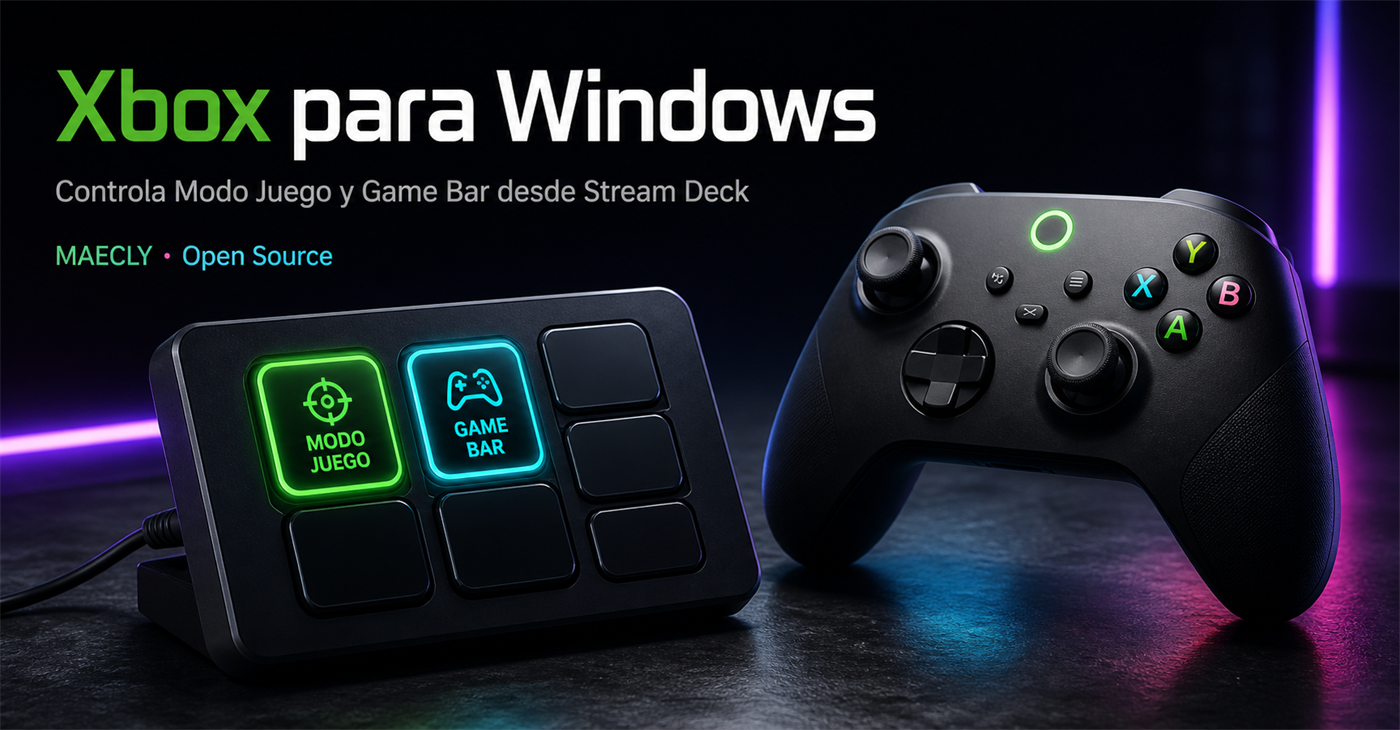
Control Game Mode and decide whether the controller’s Xbox button opens Game Bar, directly from your Stream Deck.
 Xbox · Windows Live
Press a key to try it
Two clear controls, real state synchronization, and the visual feedback you expect on every key.
01Turn AutoGameModeEnabled on or off and verify Windows persisted the change.
 02
02Decide whether the center Xbox button can open Game Bar without digging through Settings.
Current-user preference onlyIf you change a switch in Settings, Stream Deck reads it again and updates the key.
Success and error loggingHigh-contrast redesigned icons remain legible even on a compact Stream Deck key.
Get the .streamDeckPlugin file from GitHub Releases.
Double-click it and accept the installation in Stream Deck.
Find “Xbox for Windows” and drag both actions into your profile.
The download comes from the official GitHub Release.
TypeScript for Stream Deck integration and a tiny C# notifier so Windows Settings reflects Game Mode immediately.
Explore the repository$ npm run validate
✓ TypeScript typecheck
✓ Unit + integration tests
✓ Stream Deck manifest
✓ Windows notifier build
license MIT
author MAECLY
runtime Node.js 24No. Both preferences live in HKCU, the current user’s Registry hive.
Windows 11 and Stream Deck 7.1 or later. Node.js is only needed for development or packaging.
Every Release is built with GitHub Actions, includes a SHA-256 checksum, and publishes the same code you can audit.
Yes. It is MIT licensed and welcomes improvements, tests, translations, and GitHub issues.
YOUR SETUP. YOUR RULES.